Making the complex simpler for twenty-five years.
I’m Antonio Cangiano, Engineering Manager and AI Educator at IBM. I lead the team behind IBM’s Skills Network, whose courses and hands-on labs reach learners on Coursera and edX, and I co-founded CognitiveClass.ai. I’ve written two books, and I’ve been writing here since 2005.
Engineering Manager, IBM
2 published books
384 essays
Since 2005

Recent writing
-
Keep Production Away From Your AI Agents
Whether you’re ready to admit it or not, we’ve reached a point where most of us don’t write most of the code we ship. AI agents do. You can be as enthusiastic as DHH, who recently shocked a Rails World audience by essentially betting it all on agentic development and efficient languages…
Books I’ve written
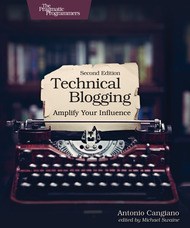
Technical Blogging, 2nd Edition
The Pragmatic Bookshelf · 2019
On writing and building an audience as a technical person.
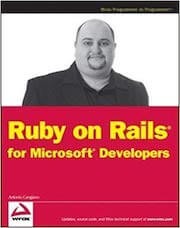
Ruby on Rails for Microsoft Developers
Wrox · 2009
Written when Rails 2 was current. A period piece now, and listed here for the record rather than as a recommendation.